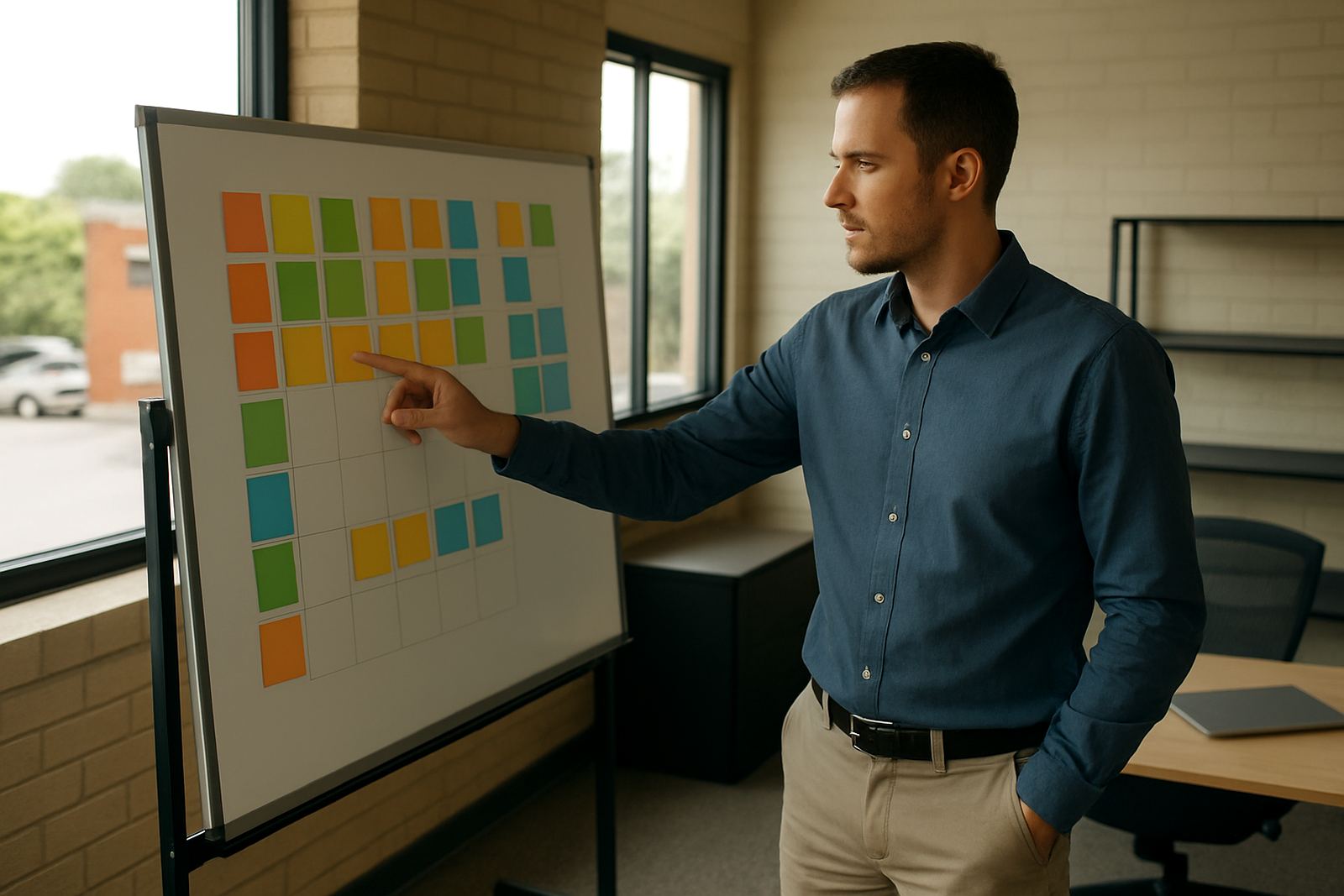


Start with the work as it happens today
Before any software decision, capture the real sequence of tasks used by sales, operations, finance and support. In many SMEs, the written process is one thing and the daily habit is another. A good review starts with both, so you can see where work slows down, where information gets re-entered, and where teams are relying on memory instead of a proper handover.
At Bizmatics, we usually begin with a short interview set and a walk-through of one or two live jobs. This often shows differences between branches or sites in Centurion, Johannesburg or Durban, especially where teams have grown quickly. The point is not to criticise anyone. It is to get an honest picture of how orders, stock, approvals and customer updates actually move through the business.
Use a simple map that everyone can follow
A process map does not need to be complicated. It should show each step, who does it, what system is used, and what happens next. If a step depends on a phone call, a spreadsheet or a paper note, that should be visible too. The clearer the map, the easier it is to choose the right ERP setup and the right integrations.
- Identify the trigger for the process, such as a quote, order or service request.
- List each handover between people, departments and systems.
- Mark delays, rework, duplicate capture and approval bottlenecks.
- Note where data is created once and used again later.
- Record exceptions, such as urgent jobs, credit holds or out-of-stock items.
A useful map is not a theory document. It should help your team see what happens in real time, even when load shedding, network issues or busy month-end periods put pressure on the normal routine.
Check where the process is costing time and money
Once the steps are visible, look for the points where the business loses time, accuracy or control. Common issues include duplicate data entry, missing customer details, unclear approval limits and stock figures that do not match what is on hand. In some cases the problem is not the software at all, but a process that changed over the years without being properly reviewed.
Pay close attention to high-risk areas such as pricing, invoicing, procurement and reporting. If staff are copying figures from one system to another, there is a stronger chance of errors and delays. If managers need three different reports to understand the same transaction, the process probably needs tightening before more automation is added.
- Where do errors happen most often?
- Which steps rely on one person knowing the workaround?
- Which approvals are still being done manually?
- What information is missing when a job moves to the next team?
- Which reports take too long to prepare or reconcile?
Decide what should change before implementation
A review should lead to action. Some steps need to be simplified, some can be removed and some should be automated. This is where ERP planning becomes practical. Instead of forcing a system to fit a messy process, you can define cleaner rules for sales, inventory, finance, project work or field service before configuration starts. That keeps the rollout tighter and reduces rework later.
For SMEs in Cape Town, Pretoria, Gqeberha or the East Rand, this stage often includes checking branch differences, approval levels and local reporting needs. A growing business may need one standard process with a few controlled exceptions. That gives the team consistency without blocking the realities of different sites, customer types or service levels.
It also helps to agree what not to change. Some controls are there for a reason, such as supplier verification, VAT accuracy or stock sign-off. A process review should protect those controls while removing the admin that gets in the way.
Prepare the people who will use the new process
Even a good process can fail if the team does not understand it. Staff need to know what will change, why it is changing and what they must do differently on day one. Training works best when it is linked to real transactions, not general theory. People learn faster when they can see how the new steps affect their own work, from order capture to reporting.
Support matters after go-live as well. That is why change management should include clear roles, a simple escalation route and enough time for questions. In many businesses, the first few weeks are where habits either change or drift back to the old way. A proper review helps reduce that risk by setting expectations early and keeping managers involved.
- Explain the new process in plain language.
- Show each team what changes for them specifically.
- Use sample jobs, not only generic examples.
- Identify who will handle exceptions and support queries.
- Set a review date after go-live to check adoption.
Use the review to support better reporting and control
Good reporting starts with good process discipline. If the business captures information consistently, you can build reports that actually help decision-making. That might mean clearer stock visibility, faster month-end numbers, better job costing or cleaner customer history. The goal is not more reports for the sake of it. It is fewer surprises and quicker action when something changes.
For SMEs across South Africa, this is especially useful when teams are spread across branches or remote sites. A process review can highlight where one department is carrying extra admin for the rest of the business, or where a manual step is hiding a problem until it becomes expensive. Small improvements here can make a noticeable difference to cash flow and service delivery.
When the process is mapped and reviewed properly, ERP becomes a practical tool instead of another layer of confusion. That is the main outcome to aim for: less guesswork, clearer control and a system that supports how the business should work.