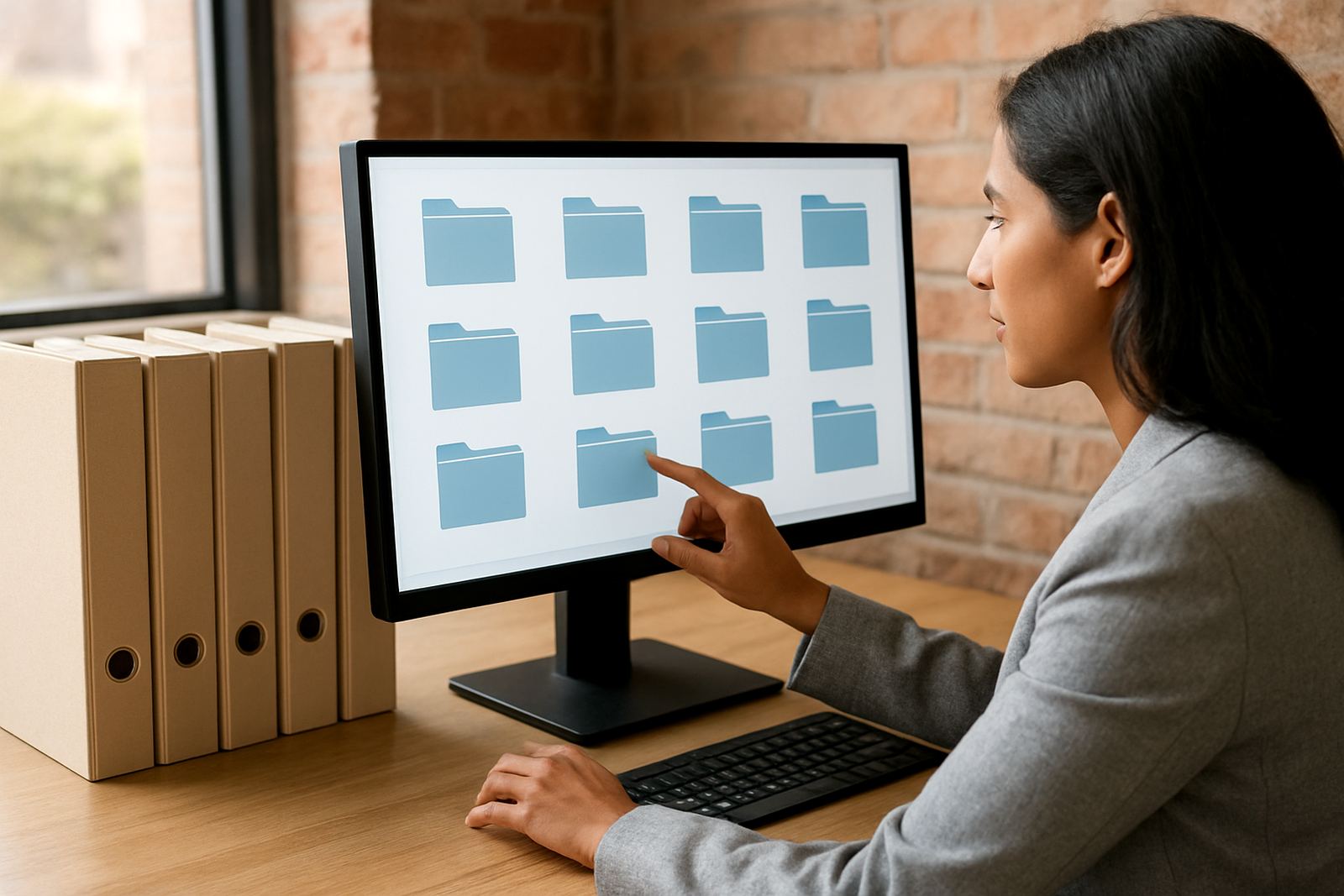


What Document Management Covers
Document management is the part of your business system that stores files, links them to transactions and makes them easy to retrieve later. That includes scanned supplier invoices, signed customer contracts, HR forms, delivery notes, proof of payment and compliance records. Instead of chasing paper files across offices in Centurion, Johannesburg or Durban, your team can open the right record from the transaction screen and see the related documents in a few clicks.
For small and medium businesses, the main value is control. You can set who may view, add, edit or approve documents, keep version history, and record who accessed what. This is useful for finance teams, sales offices, warehouses, depots and service crews that need quick access to accurate paperwork. It also helps when auditors ask for support for a journal, a payment or a stock adjustment, because the backup is linked to the transaction and not tucked away in a cabinet.
Sizes, Storage Options and Typical Users
There is no one-size answer because document volumes vary widely. A small professional office may only need 50 GB to 200 GB of indexed storage for a few years of records, while a multi-branch distributor in Pretoria, Cape Town and Gqeberha may need several terabytes with retention rules by department. The right option depends on the number of users, file types, scan volume and how long documents must be kept for tax or internal policy.
Common options include lightweight document storage for basic filing, transaction-linked archives for accounting and operations, and more structured document controls for businesses with approvals, compliance or branch-based workflows. Where there is high scan traffic, we also plan for batch capture from scanners and clear naming rules so files do not become a mess later on.
- Small office: 5 to 15 users, basic search and linked attachments
- Growing SME: 15 to 50 users, workflow approvals and audit trails
- Multi-site operation: branch access, role-based controls and retention rules
- High-volume environment: bulk capture, indexing and automated filing
Where It Suits Best
Document management suits businesses that handle a steady flow of paperwork and need traceability. That includes wholesale and distribution, light manufacturing, logistics, professional services, property management, healthcare admin and field service teams. If your business works across branches or has staff in the office and on the road, the system helps keep everyone on the same page.
It is especially useful where records must be easy to prove later. For example, a supplier invoice should sit next to the goods receipt and purchase order, while a customer credit note should link to the original sale and approval notes. This saves time during monthly close, stock counts, supplier queries and year-end checks. It also helps with municipal and compliance paperwork where you need to show dates, approvals and supporting documents without digging through folders.
- Finance departments needing clean audit support
- Operations teams handling orders, stock and proof of delivery
- HR teams managing contracts and employee files
- Branch networks that need shared access with local control
Installation, Network Access and Power Considerations
Document management is usually installed as part of a wider ERP or business-systems environment, then connected to the screens your team already uses. The main setup work covers user roles, storage structure, scan profiles, naming rules, retention periods and links to transactions such as invoices, orders or job cards. If your business runs from Centurion but has sites in Durban, Cape Town or East Rand, we also plan access across branches so document retrieval stays consistent.
Power and connectivity matter. During load-shedding, users still need access to stored records once the system is on proper backup power and the network equipment is protected. If you keep an on-site server, allow for UPS support and clean shutdowns. For cloud connected access, make sure your internet circuit is stable and backed by a second line where possible. In coastal areas such as Durban and Gqeberha, equipment rooms should also be kept dry and well ventilated because humidity can shorten the life of scanners and hardware.
- Stable network access for users and branch offices
- UPS support for server, scanner and switch equipment
- Scanner setup for batch capture and indexing
- Access rules mapped to finance, sales, HR and operations
Care, Servicing and Keeping Records Clean
Good document management needs a few practical habits. Scanners should be cleaned regularly, feeder rollers checked for wear and file naming rules kept simple. Teams should avoid saving duplicate versions in personal folders because that defeats the point of a controlled archive. It also helps to review document categories every few months so old labels, duplicate folders and outdated permissions do not build up.
For businesses on support retainers, we usually include user assistance, permission checks, storage housekeeping and advice on document growth. Where a company upgrades its ERP later on, the document structure should be reviewed at the same time so links stay intact. If you are handling signed forms or compliance files, a document audit once or twice a year can catch missing attachments, broken links or records that were filed under the wrong reference.
- Clean scanner glass and rollers on a schedule
- Review access rights after staff changes
- Check storage growth and archive old records
- Test retrieval from transaction screens, not only from search
What to Check Before You Order
Before ordering, ask how many users need access, how much storage you need now and in 12 to 24 months, and what record types must be linked to transactions. Check whether you need full-text search, approval workflows, automatic indexing or simple attachment storage. If your business handles service calls, stock movements or customer claims, make sure the document setup supports those processes and not just general filing.
Also confirm the practical details. Will users need remote access from Johannesburg or Pretoria? Do branch teams need different rights? Will the system handle scanned PDFs, images and office files? Do you need retention controls for tax and audit purposes? If you work with physical paperwork, ask about scanner compatibility and whether batch capture is included. The aim is to match the document process to the way your team actually works, not force everyone into a complicated routine.
- Number of users and branches
- Document volumes and storage growth
- Search, workflow and approval needs
- Retention, audit and access control requirements
Key facts
| Product type | Business document management linked to ERP and transactions |
|---|---|
| Typical users | 5 to 50+ users across office, warehouse and branch teams |
| Storage range | From basic shared filing to multi-terabyte indexed archives |
| Access control | Role-based permissions with audit trail tracking |
| File support | PDF, scanned images, office files and attached supporting records |
| Deployment | Configured for on-site, remote and multi-branch use |