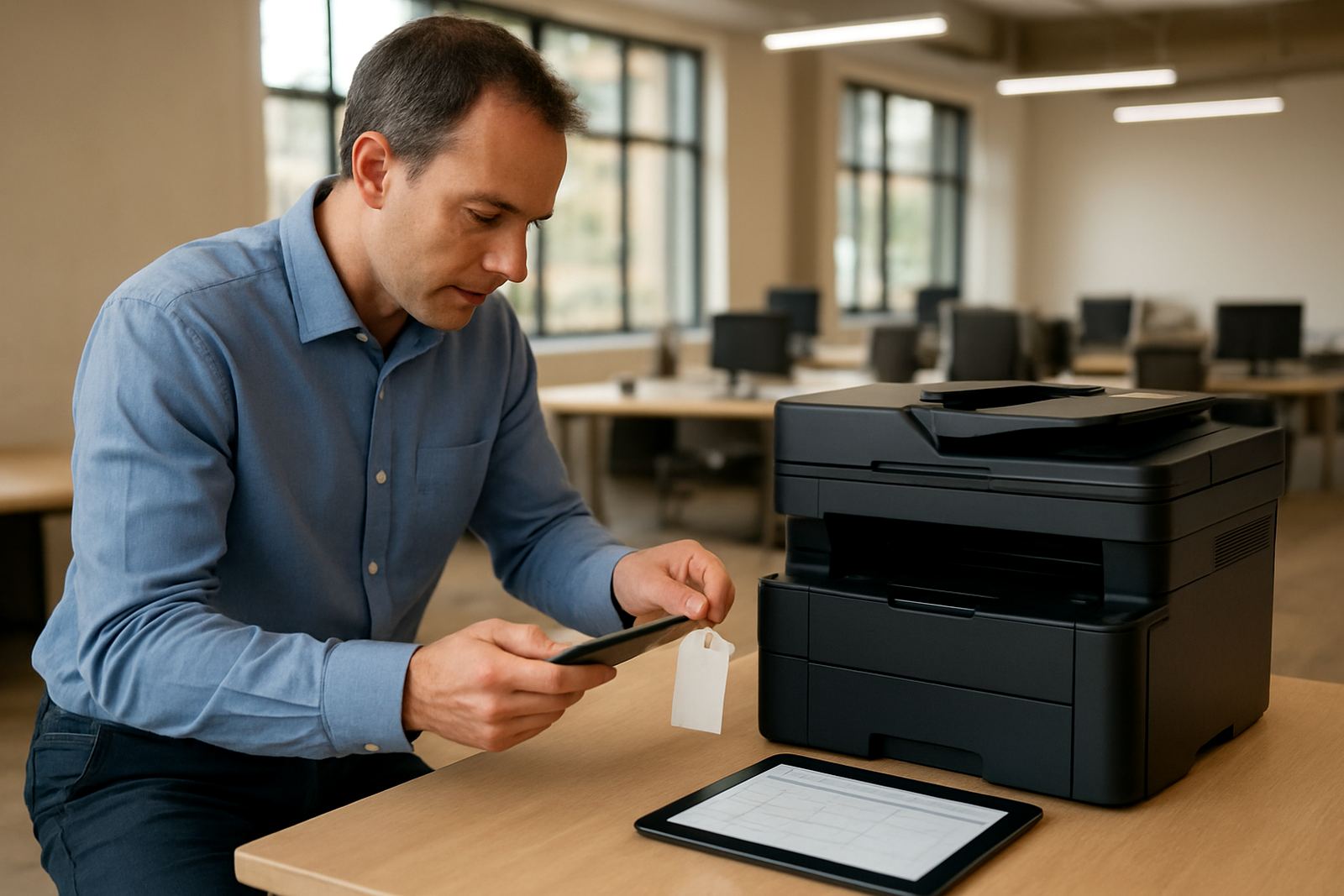


What the Fixed Assets module does for day-to-day control
Choose the setup that matches your asset base, from a simple register for a single office to a fuller model for multiple depots and high-value equipment. You can manage fixed assets across Centurion head office operations, East Rand workshops, West Rand service teams or coastal branches where equipment needs closer environmental monitoring because of humidity and salt air.
The module can handle different asset categories and useful life settings so your reporting reflects the real business use. That includes office assets, IT hardware, plant, machinery, furniture, vehicles, leased items and small tools. For teams that need more detail, there is support for locations, sub-locations, asset groups, insurers, suppliers and cost centre allocation. It works well where teams need accuracy without a complicated process that slows month-end close.
- Suitable for 1 site or multiple branches nationwide
- Can track hundreds or thousands of assets
- Supports mixed asset classes and different depreciation rules
- Includes asset locations, custodians and project links
Where it fits best in South African operations
This product suits businesses that need stronger control over assets without adding more admin. It is a good fit for distributors, professional firms, light manufacturers, logistics companies, property groups, schools, medical practices and contractors who keep valuable equipment in more than one place. If your team uses purchase orders, goods received notes and asset tagging, the module brings those records into one system.
It is especially useful where asset movement is frequent or where internal controls matter. For example, a company with branches in Pretoria, Durban and Gqeberha may need to see which items are at each location, which items are on loan and which ones are due for replacement. That makes budgeting easier and helps reduce loss, double counting or assets sitting on the books long after they have been retired.
- Ideal for SMEs with 20 to 5 000 assets
- Useful when assets move often between sites
- Supports audit preparation and governance controls
- Helps with budgeting for replacement cycles
Installation, power and systems integration requirements
Fixed Assets is set up as part of your wider ERP and business systems environment, so it should be planned with your accounting structure, approval flow and asset tagging process in mind. No special power or gas requirements apply to the software itself, but your team will need reliable devices, stable connectivity and access to the source records used for asset capture. In branches affected by load-shedding, it is worth arranging backup power for the PCs, routers and servers that staff use to update records.
The module can be linked with finance, procurement, inventory and project systems so that asset creation happens from the right trigger. That reduces duplicate data entry and helps keep depreciation aligned with the actual purchase and commissioning date. Integration also supports cleaner handovers between operations and finance, which is useful when the company has more than one office or a mix of on-site and office-based staff.
- Works with existing chart of accounts and cost centres
- Can integrate with purchasing, inventory and finance records
- Needs clean master data for locations, departments and asset types
- Should be planned with backup and user access controls in place
Care, servicing and keeping the register accurate
The register stays useful only if it is maintained. That means recording new assets promptly, updating transfers when items move and closing out disposals as soon as approval is given. Regular checks help spot missing items, assets still in use but fully written off and records that need correcting before year end. A quick quarterly review is often enough for smaller teams, while larger operations may prefer monthly checks at branch level.
Care also includes governance. Good access control matters because not everyone should be able to change asset values or depreciation settings. We recommend role-based permissions, scheduled reviews and a simple sign-off process for high-value items. The support team can assist with setup, user training and update planning so the register remains accurate as the business grows.
- Run quarterly or monthly asset reviews
- Lock sensitive fields to prevent unauthorised changes
- Keep disposal approvals and transfer records together
- Train branch users on capture and handover steps
What to check before you order Fixed Assets
Before you place an order, make sure you know how many asset classes you need, what depreciation rules you use and whether you want branch level reporting. Check whether your current records have serial numbers, purchase dates, disposal dates and locations, because the quality of those details affects the rollout. If your business uses tags or asset labels, confirm the format so new records match existing labels and staff can scan or search them consistently.
It also helps to confirm what reporting you need each month. Some teams only need the asset register and depreciation schedule, while others need reports by project, department, tax category or insurer. If you have assets spread across Centurion, Johannesburg and Cape Town, decide upfront how sites will be named and who may transfer items. That avoids confusion later and keeps the records tidy.
- Number of assets and asset categories
- Depreciation methods and useful life rules
- Required reports for finance, audit and management
- Who may create, edit and approve transfers or disposals
Structured ERP Rollouts For South African Teams
Small and medium businesses need systems that are practical, not overdone. Bizmatics works with South African teams to map processes, load master data, train users and support go-live so the module is used properly from the start. Our base in Centurion supports clients across Gauteng, KZN and the Western and Eastern Cape, with delivery suited to each business’s size and pace.
Oupa Mabuza leads the business, supported by Zulfa Rhoda, Gerhard Pienaar, Mpolokeng Tshabangu, Muneeb Ismail and Thembisa Mabandla. That mix of ERP, integration, project delivery, support and training helps ensure the Fixed Assets setup fits the way your company works. If your team needs clearer control over asset values, maintenance planning and replacement timing, this module gives you a practical place to start.
Key facts
| Module type | ERP fixed assets management |
|---|---|
| Core functions | Register, depreciate, transfer, dispose and report on assets |
| Best fit | South African SMEs with one or multiple sites |
| Reporting | By branch, department, project, custodian and asset class |
| Integration | Finance, procurement, inventory and project systems |
| Access control | Role-based permissions and approval flows |